Every pixel, read.
Every file, described.
The moment a file lands, VDAM reads it. Not just EXIF — the actual content of the image, parsed the way a human would describe it to a colleague.
- Caption. One sentence summarizing what's in the frame.Generated, not extracted from filename.
- Keywords. Searchable terms drawn from the image itself.Subjects, settings, actions, conditions.
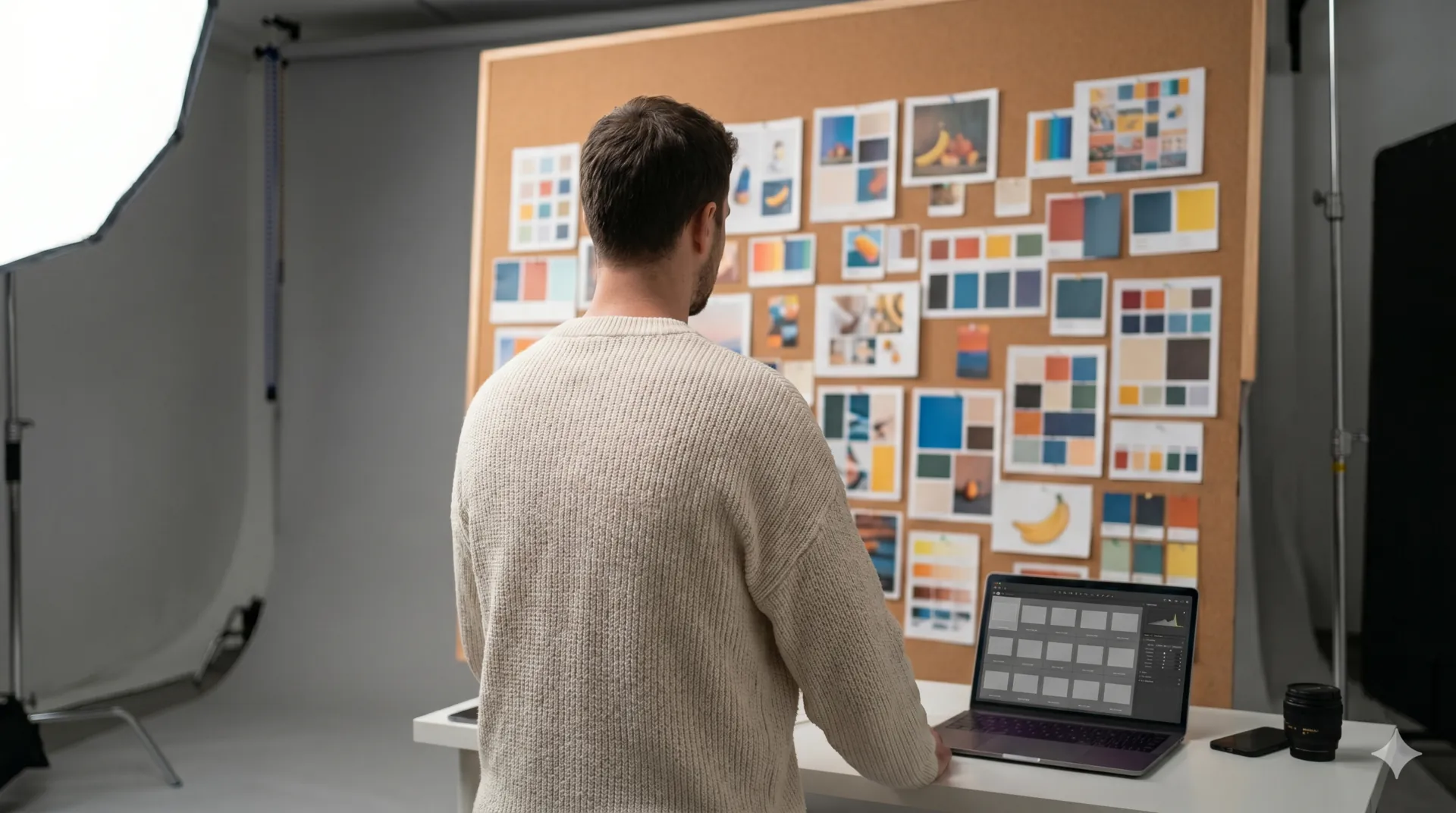
- Palette. Dominant colors with hex values.Useful for moodboards and brand consistency.
- Faces & people. Detected and grouped across your library.Search by person; never connected to any outside identity.
- Scene & mood. Setting type, lighting condition, tone.Coastal, golden hour, contemplative.
- Brand-safety signals. NSFW and sensitive-content flags.For libraries you'll share externally.
A tag tree that
takes care of itself.
Every other DAM hands you a controlled vocabulary nobody maintains, or free-form chaos. VDAM keeps one canonical tree — and it stays clean as the library grows past anything a team could keep up with by hand.
- Auto-tags. Each metadata field is bound to a tag tree, and VDAM applies the right tags from that tree on every asset it reads.Configurable per field.
- Auto-grows. New branches appear when content patterns warrant them.Detected and applied. Not proposed.
- Drawn from your content. The tree reflects what's actually in your library, not a generic template.Same vocabulary across your team.
Search the way
you think.
VDAM doesn't search filenames. It understands what's in your images — the literal pixels and everything VDAM has inferred — and combines that with your custom metadata into a single answer.
Plain English works. So does specifying constraints. So does combining both — "warm-toned interiors at golden hour, no people, vertical orientation" returns exactly that.
- Natural language. Describe the image you need.No syntax. No operators required.
- Filters & facets. Mood, palette, orientation, file type, date, source.Combine freely with text.
- Reverse image search. Drop an image, find similar.By composition, color, or content.
Your team's logic,
applied automatically.
Auto-metadata is universal. Schema is yours. Define the fields your team actually thinks in — campaign, property type, usage rights, release status — and VDAM applies them to every new asset based on what's actually in the file.
- Any field, any type. Single-select, multi-select, free text, dates, numbers.
- Inferred where possible. AI fills in what it can confidently see.Confidence scores shown. Lower-confidence values flagged for review.
- Required vs optional. Mark fields as required to keep the library complete.Or leave them off — the tag tree fills the gap.
Share pages,
fully your own.
Your clients already know you're professional. The share page should look the part. Every element bends to your brand — logo, palette, typography, layout, cover image — so the page that lands in their inbox feels like an extension of your studio, not a vendor's product.
- Fully customizable. Logo, palette, type, cover, layout.Make it look exactly like the rest of your work.
- Recipient-friendly. No accounts, no logins, no apps to install.Click. Browse. Download.
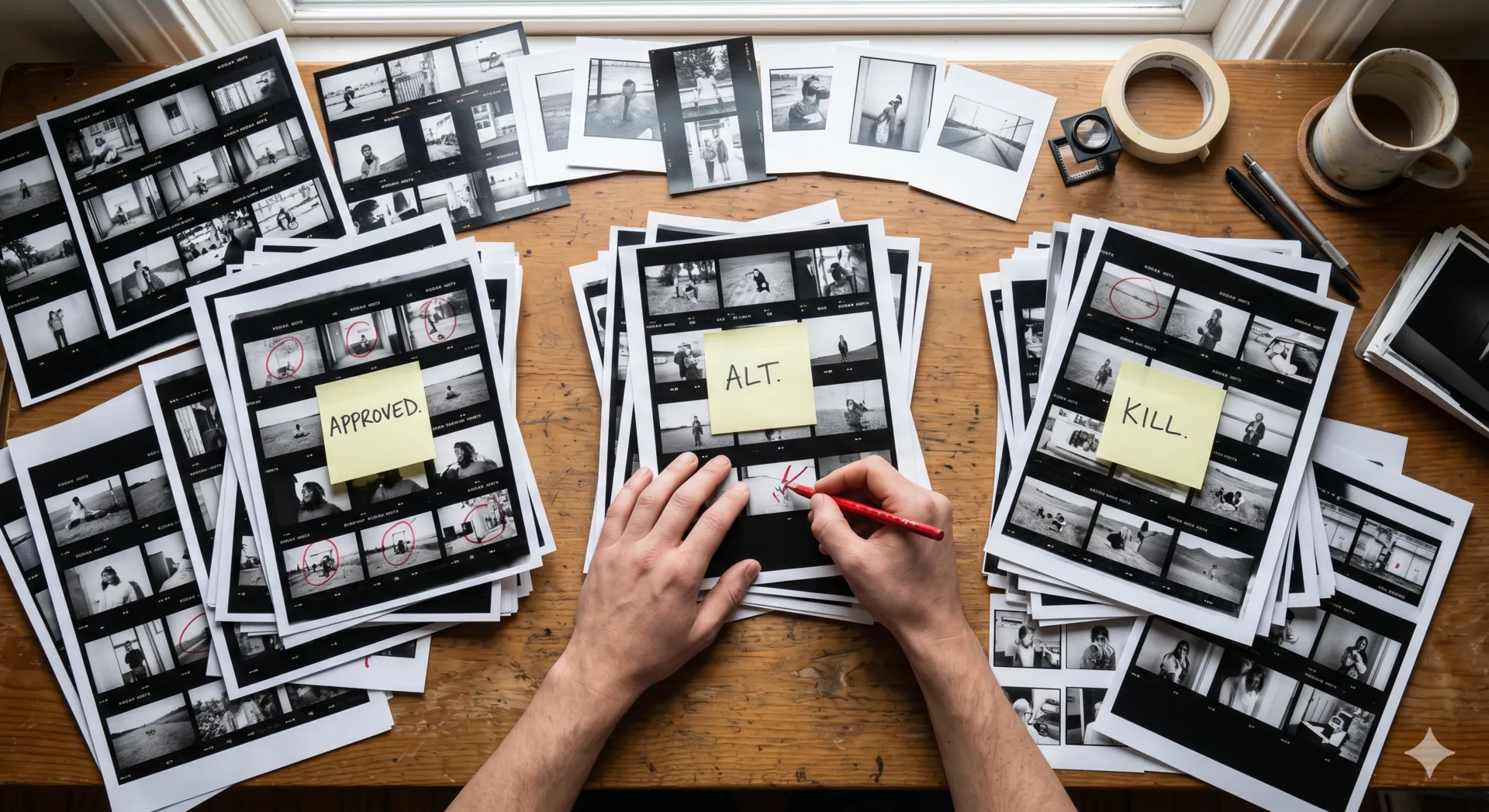
- Permissions & expiry. View-only, download, time-limited.





Drive. Dropbox.
That's it.
Point VDAM at a folder. It watches that folder. Any supported file — images, videos, audio, PDFs, Adobe creative files, camera RAW, or Office documents — added by you, your team, or a freelancer flows in, gets read, and joins your library. Move a file out, it leaves the library too. Other file types in the same folder are quietly ignored.
No proprietary storage. No "upload first, then sync." Your originals stay where they live. VDAM is a layer of intelligence, not a destination.
- Supported files. Images (JPEG, PNG, WebP, GIF, TIFF, HEIC, AVIF), videos (MP4, MOV, AVI, MKV), audio (MP3, WAV, AAC, FLAC, M4A), PDFs, Adobe creative files (PSD, AI, EPS), camera RAW (DNG, CR2, CR3, NEF, ARW, RAF, ORF, RW2), and Microsoft Office (DOCX, XLSX, PPTX).Video and audio capped at 5 minutes each. Longer files are skipped.
- Read-only. VDAM never writes to your cloud storage. Add and remove files in Drive or Dropbox; the library mirrors what's there.
- Incremental. Only changes get processed, never full re-syncs.
- EXIF preserved. Existing metadata is read and respected, never overwritten.
What VDAM
doesn't do.
VDAM is built with focus, not feature creep. Here's what you won't get — and why, if it matters.
- ✕Enterprise plan
The Pro tier is the current ceiling — 25,000 assets, 15 team members. If you need more, get in touch and we'll talk, but there's no enterprise sales motion to negotiate against.
- ✕Per-seat pricing
Each plan includes a team-member allowance that scales with the tier, and the price is per workspace — not per seat. Charging per user encourages locking colleagues out, which is exactly the wrong incentive.
- ✕A plugin marketplace
No App Store. No third-party integrations layer. The product is the product. We'd rather make the core excellent than ship a marketplace.
- ✕A public API (yet)
It's coming. An MCP server — letting AI agents query your library directly — is the most likely first step. If you have a specific automation need, get in touch.
- ✕Training on your content
Your assets are processed only to generate metadata for your library. They're never used to train AI models — neither ours nor anyone else's.
- ✕A 24/7 phone line
There's no call center. Email support, and you'll get a real reply — usually within hours, always within a day.